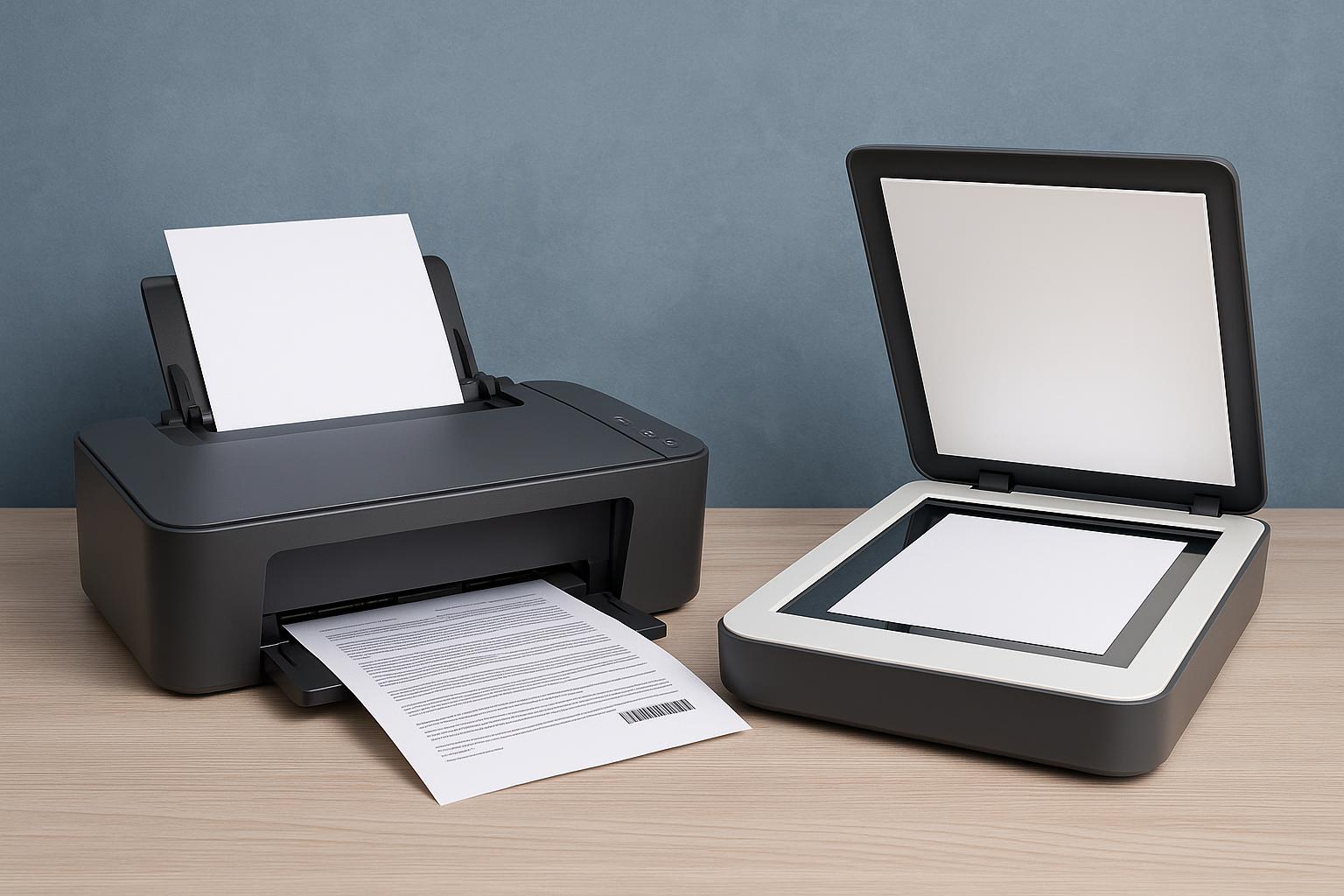
In today’s fast-paced digital world, it’s easy to think everything lives online. But even in an era of cloud storage, digital signatures, and paperless offices, printers and scanners remain essential tools in both our personal and professional lives. Whether you’re working from home, running a small business, or just trying to stay organized, having a reliable printer and scanner can make a world of difference.
Let’s dive into what these devices do, why they matter, and how to choose the right one for your needs.
What Is a Printer?
A printer is a device that takes digital documents and turns them into physical copies on paper. While that might sound simple, printers come in a wide range of models, each designed for different types of printing—text documents, photographs, labels, or even 3D objects.
Common Types of Printers:
- Inkjet Printers
These are ideal for home users or small offices. Inkjet printers spray tiny droplets of ink onto paper, making them great for printing high-quality photos and colored documents. They’re affordable upfront, but ink cartridges can be costly in the long run. - Laser Printers
Laser printers use toner and heat to produce images and text. They’re typically faster and more cost-effective for high-volume printing. Businesses and schools often rely on them for their efficiency and sharp black-and-white text. - All-in-One (Multifunction) Printers
These combine a printer, scanner, copier, and sometimes fax machine in a single unit. They’re space-saving and perfect for users who need multiple functions without buying separate devices. - Photo Printers
Designed specifically for photo printing, these offer exceptional color quality and detail, often used by photographers or creative professionals. - 3D Printers
While not the focus of this article, it’s worth mentioning that 3D printers are revolutionizing industries by creating physical objects from digital models using materials like plastic or resin.
What Is a Scanner?
A scanner does the reverse of a printer—it takes physical documents, photos, or objects and converts them into digital files. Whether you’re archiving family photos, digitizing important paperwork, or sending signed contracts via email, scanners play a vital role in managing physical content in a digital world.
Common Types of Scanners:
- Flatbed Scanners
These have a glass surface where you place the document or photo. The lid closes, and the scanner captures the image by moving a light sensor beneath the glass. They’re great for high-resolution scans, especially of photographs and fragile documents. - Sheet-fed Scanners
Best for offices that need to scan multiple pages quickly, these pull pages through automatically—ideal for scanning invoices, contracts, or reports. - Handheld Scanners
Compact and portable, these are used for scanning books, barcodes, or specific areas of text. They’re handy but not ideal for high-resolution or color scanning. - Duplex Scanners
These scan both sides of a document in one go, saving time and improving productivity.
Why Are Printers and Scanners Still Important?
While many people rely heavily on smartphones and laptops, printers and scanners provide tangible benefits that digital-only solutions can’t always replicate.
For Printers:
- Physical documentation: Contracts, shipping labels, school assignments—some things still require paper.
- Photos and memories: Many people love printing family photos to frame or scrapbook.
- Convenience: It’s faster to print a page at home than to find a printing shop every time.
For Scanners:
- Going paperless: Scanning old documents or receipts makes them easier to store, search, and manage.
- Preservation: Scanners help preserve physical photographs or historical records by creating digital backups.
- Efficiency: Need to email a signed document? Scan it and send it instantly—no waiting for snail mail.
Choosing the Right Printer and Scanner
Not all printers and scanners are created equal. Choosing the right one depends on your specific needs.
Questions to Ask Before Buying:
- How often do I print or scan?
If you’re printing every day, invest in a laser printer or a high-capacity ink tank model. For occasional use, a budget-friendly inkjet may suffice. - Do I need color printing or scanning?
If you’re only printing documents, black-and-white is more economical. For photos or design work, color is a must. - How important is speed?
In an office setting, speed and efficiency matter. Look for printers and scanners with higher pages-per-minute (PPM) ratings and sheet feeders. - How much space do I have?
A compact all-in-one device might be the perfect solution for small home offices. - What’s my budget?
Don’t forget to factor in ongoing costs like ink or toner, and maintenance.
Tips for Maintenance and Longevity
To get the most out of your devices, proper care is key:
- Use them regularly: Ink can dry out in rarely used printers. Scanning regularly helps keep software and hardware in sync.
- Keep them clean: Dust and debris can affect print and scan quality. Gently clean rollers, glass, and internal components every few months.
- Update firmware: Like smartphones, printers and scanners receive firmware updates. These often fix bugs or improve performance.
- Use high-quality supplies: While third-party ink or toner might save money, they can sometimes cause issues or reduce print quality.
Final Thoughts
Printers and scanners might not be the flashiest gadgets, but they quietly power a huge part of our everyday lives. From preserving old memories to running small businesses, these devices help bridge the physical and digital worlds. The key is choosing the right one for your needs and using it wisely.