


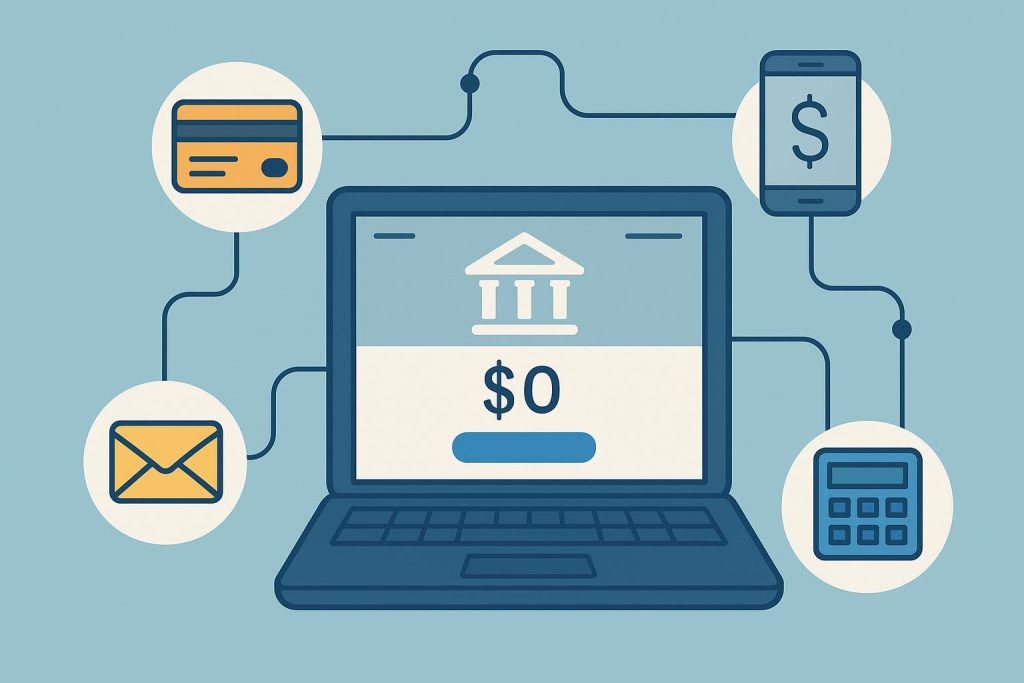
You can now open online Zero Balance Accounts easily, without needing to visit a bank branch or maintain a minimum balance. This has made banking much more convenient, especially for people who want a quick and hassle-free way to get started. These accounts not only give you easy access to your money but also help you manage your finances better by effortlessly connecting your account to essential financial services.
Streamlining your digital Zero Balance Account setup and integration
Visit the bank’s official website
After opening the verified bank website through a secure browser, go to the “Savings Accounts” section. You can complete the entire application process online using your smartphone or laptop, without the need for physical documents or visiting a branch.
Select the specific Account
Look for the specific “Zero Balance” or “Digital Savings” option that aligns with your lifestyle and click “Apply Now”. Compare features such as cashback on online shopping, interest rates or fee waivers to maximise the value of your savings.
Enter PAN and other personal details
Provide your basic identifying information, including your PAN number, email address and mobile number. These details help verify your identity and ensure your account is correctly linked to your tax records for future interest earnings.
Complete Aadhaar authentication
Use your 12-digit Aadhaar number to verify your identity and receive a One-Time Password on your registered mobile phone. Entering this code securely shows your verified address, basic details and other information necessary to process your application smoothly.
Conduct a video KYC call
In a brief video interaction with a bank representative, show your original PAN card, sign on a blank sheet and answer a few questions. This step replaces the old practice of visiting a bank in person, helping your account become fully operational quickly.
Register for internet banking services
Once your account is active, the next step is setting up your digital access. Create a unique username and a strong password to log in to the bank’s mobile app, which lets you monitor your balance, transfer funds and view your transaction history in real time, giving you total control.
Enable automated bill payment services
To avoid the stress of manual payments, you can set up auto-debit for your recurring expenses, such as electricity, water or phone bills. Payments are automatically made on time each month, reducing manual effort and clearly showing your fixed monthly outflows for financial discipline.
Link with the salary account
If you are a working professional, linking your zero-balance account to your workplace payroll system helps split your monthly spending from your core savings. It also offers additional benefits, such as higher transaction limits or specialised debit card offers.
Enable debit card services
Your digital account comes with a virtual debit card for online shopping. You can also request a physical card for ATM withdrawals or use at point-of-sale terminals. Manage your spending limits, reset your PIN and “switch off” the card via the app for added security.
Link digital wallets or UPI IDs
To enable quick, cashless transactions and maintain digital records, create a unique ID on any popular UPI application and link it to your bank account. You can use this ID to send and receive money instantly by scanning QR codes at local shops or entering a mobile number.
Connect external investment accounts
You can link your Savings Account to external platforms for mutual funds, insurance premiums or gold investments and set up a monthly transfer to compound your wealth and reach your financial milestones faster.
Conclusion
When you open online zero balance accounts, you choose a simple and safe way to manage your money. It does not require a minimum balance and can be set up easily, making it a good option for beginners. It helps you keep your finances organised, gives you easy access to your money anytime, and supports you in building better money habits step by step.